
How ETU Hyper-LINK Works
ETU Hyper-LINK turns any link into a tracked link and emails you when someone clicks it. These short videos show each feature, one step at a time.
The Dashboard
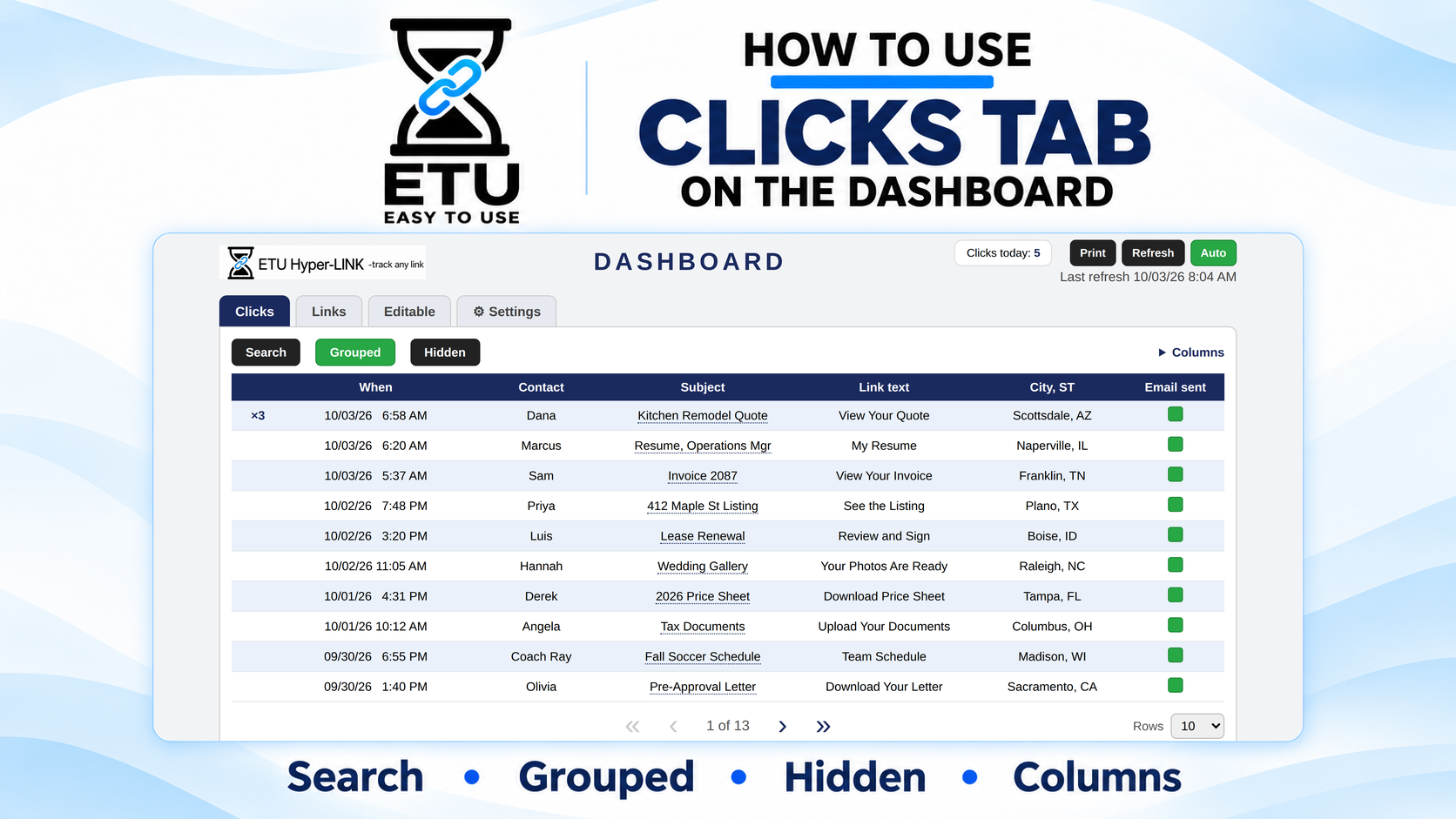
How to Use the Clicks Tab
See when every tracked click lands inside ETU Hyper-LINK. This video shows the Clicks tab, including the click history, contact, subject, link text, city/state, email sent status, grouped clicks, hidden clicks, and columns.
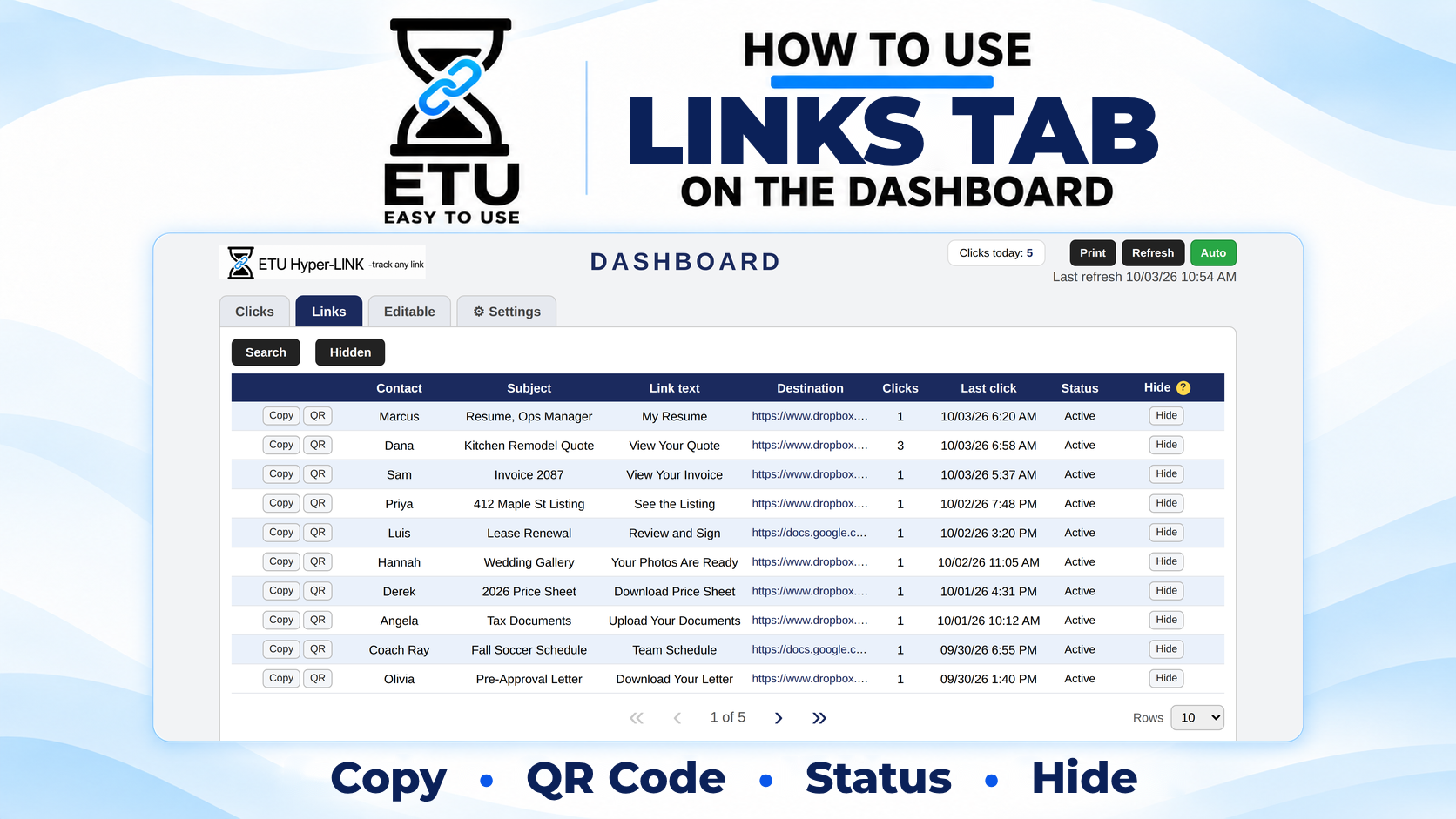
How to Use the Links Tab
See every tracked link you have made inside ETU Hyper-LINK. This video shows the Links tab, including the contact, subject, link text, destination, click count, last click, status, Copy, QR code, and Hide.